
Using the H (Heading) Tag
- Fatih Emin Çakıroğlu
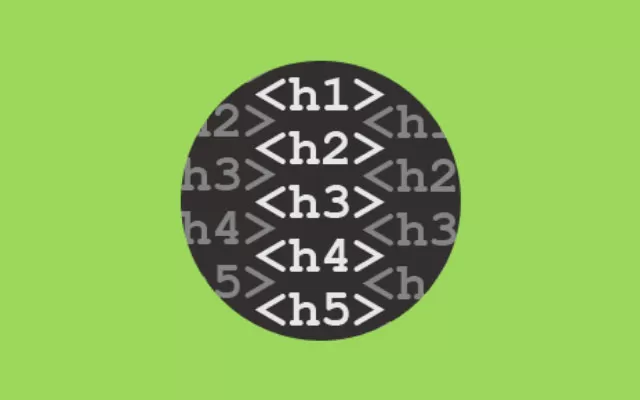
The most important title tag is the h1 tag and
the least important is the h6 tag. In HTML
coding, the heading tags h1 to h6 form a
top-down hierarchy. This means that if you skip
any of the tag numbers, the header structure
will be disrupted.
For example, if you add an h1 tag to your site
followed by an h3 tag, the hierarchy becomes
disrupted, meaning the heading structure is not
SEO-friendly. However, this does not apply to
the bottom-up structure, where you can smoothly
skip from an h4 to an h2.
Ideally, each page should have one h1 tag, but
no more than one.
What are HTML heading tags in SEO?
We use heading tags to better understand the structure of the text on a page.
-John Mueller, Google “
There are two main purposes for using HTML
heading tags for SEO:
- Configure the page for readability
- Relevance to keywords
1. Make the page more readable!
Writing sections and subsections with
appropriate headings divides the content into
scannable blocks that are easier to consume.
This is beneficial for both people and bots.
You can consider using body content to fill in
details and examples, and use your page’s HTML
heading tags as a way to outline your article.
In fact, you can look at the HTML headers in
this article as an example. Here are the
headings of this article:
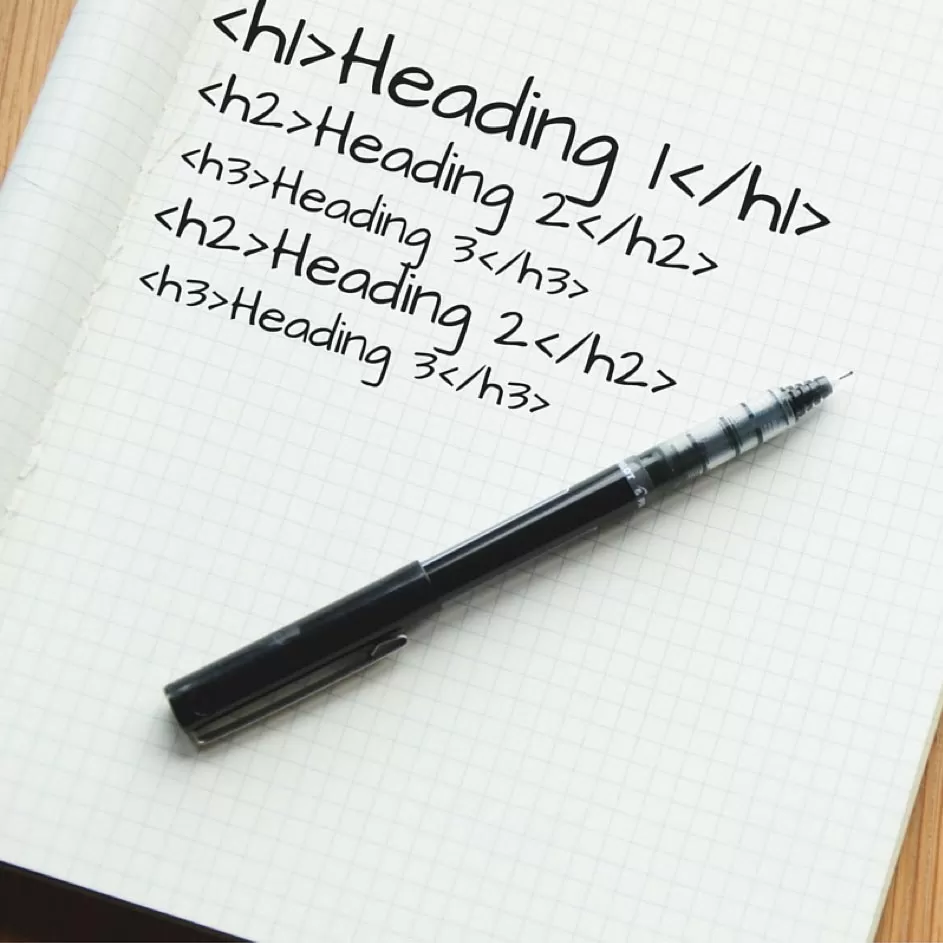
- <h1> H (Heading) Tag Usage</h1>
- <h2> SEO’da HTML Başlık Etiketleri nedir?</h2>
- <H3> 1. Make the page more readable </h3>
- <H3> 2. Make the page more relevant </h3>
- <h2> How to Write HTML Headers for SEO </h2>
- <h2> What Not to Do with HTML Tags </h2>
This directly refers to a traditional outline
for this article:
H (Heading) Tag Usage
What are HTML Heading Tags in SEO?
- Make the page more readable
- Make the page more relevant
How to Write HTML Headings for SEO
What to Avoid with HTML Tags
2. Make the Page More Relevant
Google considers text used in HTML title tags to
be more valuable or a higher priority than the
rest of the text on a page. Therefore, words
used in title tags are weighted more heavily
when Google is trying to understand whether a
page is relevant to the user’s query. In
fact, an h1 tag on a page is one of the most
important places to use a keyword.
How to Write HTML Headings for SEO?
How you write your headings and subheadings
depends on the HTML tag you use.
- Place H1 tags at the top of your page (naturally).
- Use words that people can use when searching for what your content is about.
- If you are targeting a question, place the question in the h1 tag.
- If you are writing a how-to guide, place each step in the h2 tag.
- For how-to articles, use LSI keywords and other semantically relevant words in h2-h6 tags. This helps to strengthen topic-relevance and removes ambiguity.
These third and fourth points are crucial when
trying to request one of Google’s featured
snippets for your site. Featured snippets rely
on Google’s ability to determine which
page provides the best answer to a question.
Structuring your content to make it more
readable constitutes a significant part of this.
Using HTML headings to target search intent
Your heading content plays a role in matching
your content with a searcher’s intent,
beyond just simple keyword ranking.
Search engines want to provide pages that meet
the needs of their users, and therefore, they
rely on HTML heading tags to help determine
whether a page answers the searcher’s
question.
Things You Shouldn't Do with Heading Tags
- Don’t stuff your title tags with keywords.
- Do not use more than one h1 tag on a page. Usually, pages will have a single h1 title, and including two can make search engines think that this is an attempt to add more keywords for SEO in multiple h1 tags. It is better to split the content into two separate headings with their own h1 tags on separate pages.
- Do not use title tags as hidden text. Any hidden text can result in penalties for your site, especially if the hidden part is a component that affects SEO.
- Don’t repeat title tags on different pages of your site. It is good practice to have unique title tags on your site. Avoid using the same content for both your page’s h1 tag and meta title tag.
- Do not use heading tags for text styles, use them to present organized and structured content on pages. Use CSS stylesheets for styling purposes.

Fatih Emin Çakıroğlu
Hello, I am Fatih Emin Çakıroğlu. After graduating from
Information Technologies Teaching, I worked in various
private schools. I have been working as an SEO
Specialist at Mobitek Performance Agency for 2 years. I
try to learn and inform in my blog content.
All Articles