App Store Optimization (ASO)
- Gamze Sucu

How is App Store Optimization Done?
Step 1: Find the right keywords for the app store!
App Store Keyword Ideas
You can benefit from the following App Store Optimization tools, which will guide you in selecting the right keywords. The best part is that these tools are free.
- Keyword Suggestions (Only for iOS mobile app developers)
- Übersuggest
- OneLook Reverse Dictionary
Step 2: Place the app store keywords in the right locations!
Application Name
-
iOS App Store In iOS 11 the app
name can be a maximum of
limited to 30 characters, while Google Play Store allows up to 50 characters.
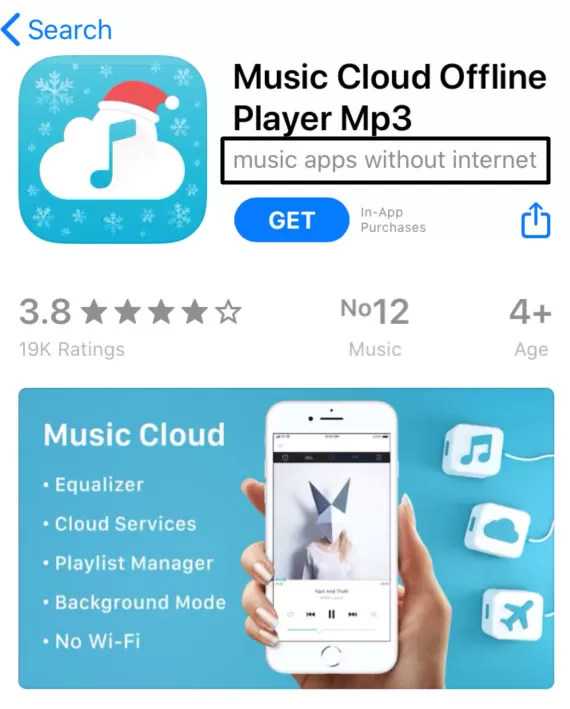
App Subtitle (Only for iOS App Store Optimization)
App Description (For Google Play Store Optimization)
Also, as with SEO work in your Play Store app description, you can use the following tips to highlight the most important keywords to Google <h1>, <h2> and <h3> as well as title tags <b>, <i> and <u> You can use style tags.
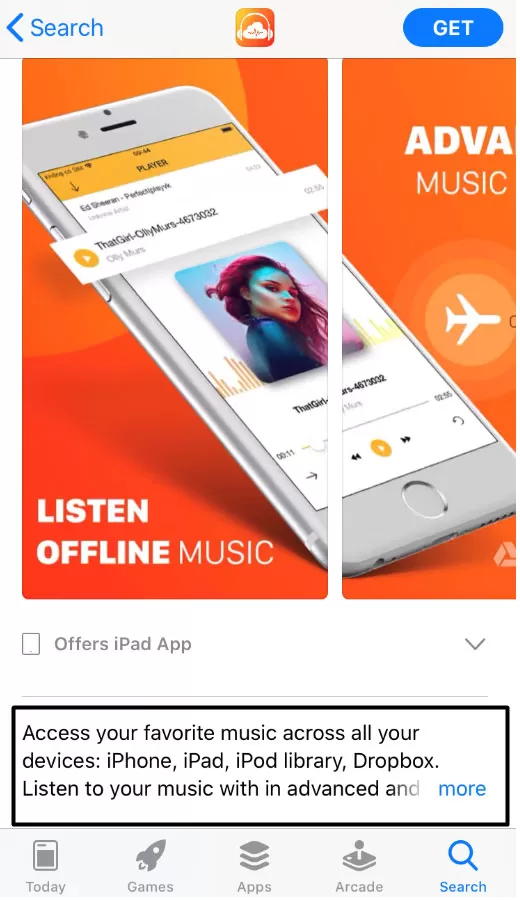
App Description (For iOS App Store Optimization)
App Promotion Text (Available only for iOS App Store Optimization)
App Store Keywords Field (Available only for iOS App Store)
- Use all 100 characters
- Separate each keyword with a comma
- Do not repeat keywords
- You do not need to include your company name, app name and app category.
Step 3: App Logo
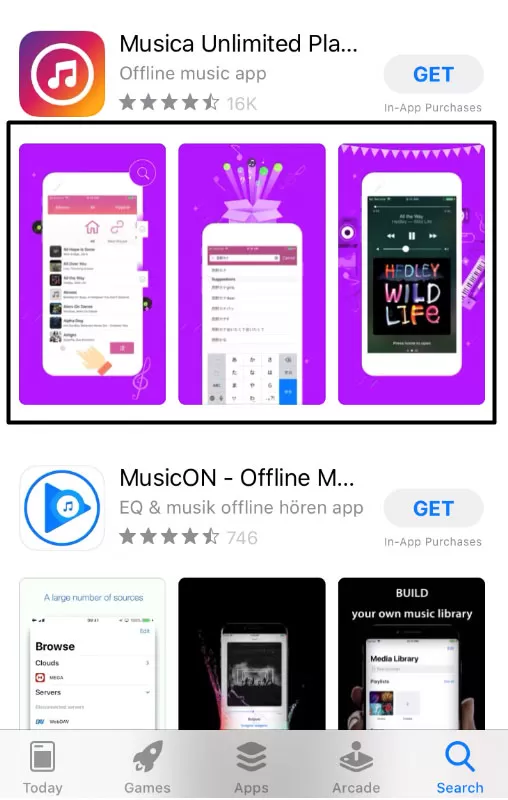
Step 4: Screenshots
Step 5 Application Video
Step 6 App Store Optimization Reviews (Rating - Comment)
Since user comments and ratings in app reviews are indexed by the app store search engine, it’s important to include relevant keywords here as well. The important thing is to encourage satisfied users to leave positive reviews. Most importantly, don’t forget to respond to app reviews and feedback!