
What is Featured Snippet?
- Melisa Yılmaz
Featured Snippet Types
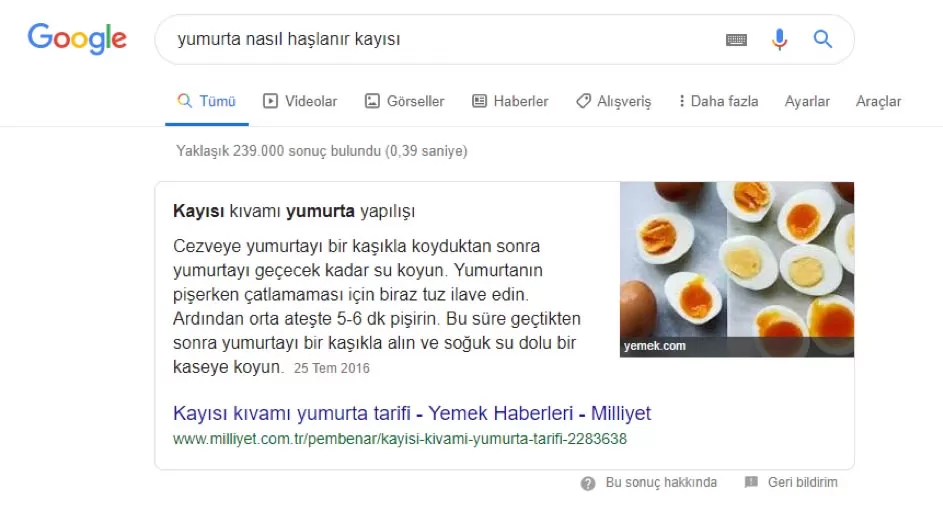
1- Paragraph Snippets
- The best answer to the user’s query is a copy of the page.
- Includes a direct link to the URL of the site
- Can be included in the results area with or without images
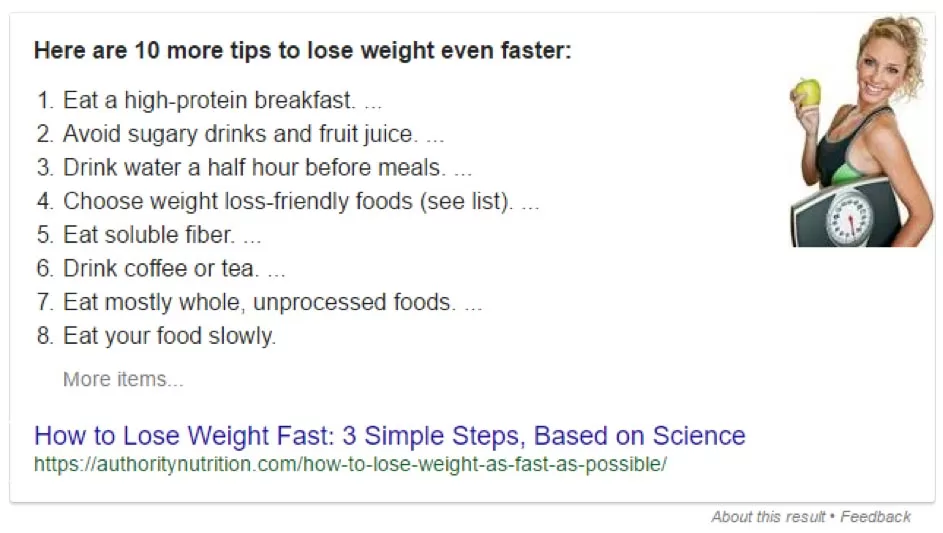
2- List Type Snippets
- Marked directly from a page using the HTML tags <ol> or <ul>; shows numbered or bulleted lists
- Includes a direct link to the URL of the site
- Can be displayed with or without visuals.
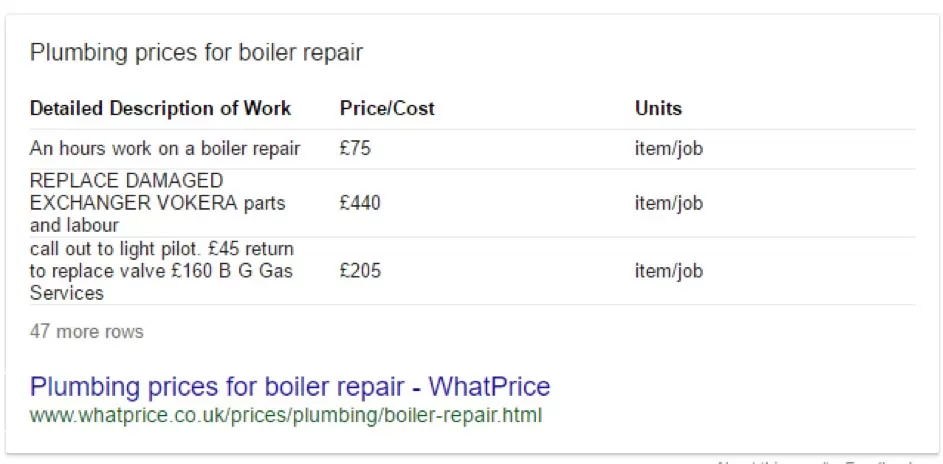
3- Table Type Snippets
- <table> represents content contained in HTML tags
- Gives a direct link to the URL of the site
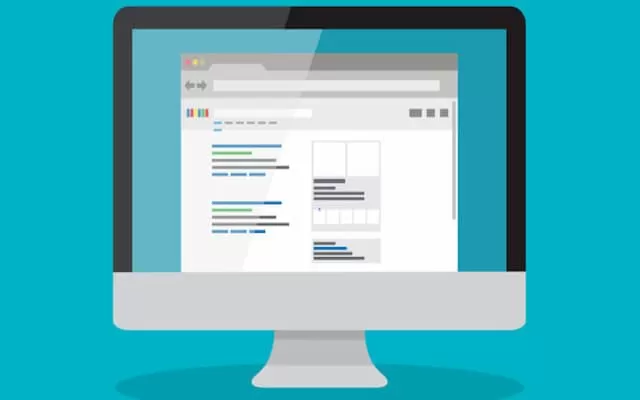
Featured Snippet Working Logic
What is the Benefit of Featured Snippet?
Some users argue that because the search result is so widespread and mostly visual, more users are likely to click through to the site associated with the Featured Snippet.
According to research, Featured Snippet helps increase visitor traffic by 28.2%. On the other hand, according to the research conducted by “Marketing Champlu”, it has both positive and negative effects on click-through rates and organic traffic. As a result, we cannot say that Featured Snippet has no effect on your site in terms of SEO. This effect varies according to the device searched and organic search results.
Optimize Your Web Page!
- Make sure your content clearly and directly answers the searched question!
- Attach the answer to the copy of the page, preferably with the first few sentences
- Ideally, the number of characters in the answer length should be between 40-50.
- Be sure to include the page URL in the search query
- Whenever possible, format your content appropriately in HTML tags (<table>, <p>, <ol> or <ul>).
- Make sure the questions are in the page title (<h1> tag)
- You should create subheadings in accordance with the main question and subject title, format them using <h2> tags.
- Ensure the best possible image optimization.
